Whiteboarding Architecture Sessions in Jira & Confluence
- Engineering teams that sketch architecture during planning and design reviews
- Tech leads who want design decisions captured on the ticket, not lost in a photo
- Anyone comparing freehand whiteboarding vs. text-based (Mermaid) diagramming
- How to run an architecture whiteboarding session that stays attached to the Jira epic
- When freehand sketching beats structured diagrams (and vice versa)
- Using 229 cloud/UML/networking shape libraries inside Jira
- How Excalidraw and Mermaid complement each other
Every architecture review ends the same way: the team sketches a system on a whiteboard, someone takes a blurry phone photo, and the diagram is never seen again. The next sprint a new engineer joins, asks how the system fits together, and the whiteboard gets redrawn from memory — different every time.
The fix is to capture the architecture sketch on the ticket it describes, editable by anyone on the team, versioned with the issue. That's what Excalidraw Diagrams plus Whiteboards for Jira does: it adds a full drawing canvas to every Jira issue, with 229 bundled shape libraries and freehand drawing. The same experience is available in Confluence via Excalidraw plus Whiteboards for Confluence. This guide walks through running an architecture session that produces a saved, shareable diagram.
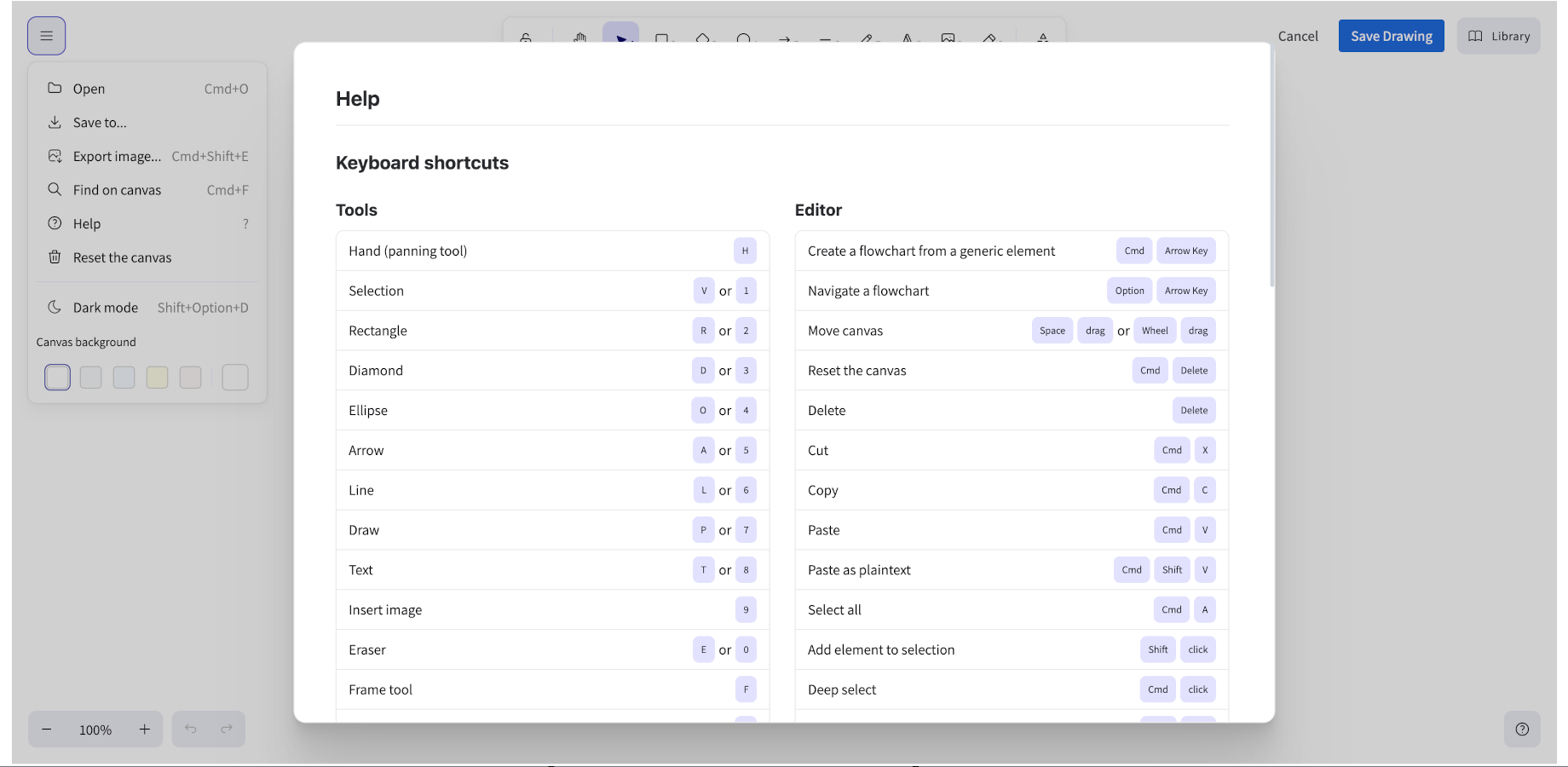
Freehand sketching vs. structured diagrams: when to use which
Before the workflow, it's worth being clear about when freehand whiteboarding (Excalidraw) is the right tool and when text-based diagramming (Mermaid) is. They solve different problems:
| You need… | Use | Why |
|---|---|---|
| Rapid ideation, messy brainstorming, "thinking out loud" | Excalidraw (freehand) | No syntax to get right; the hand-drawn style signals "draft, not final" |
| Precise, reproducible, version-controllable diagrams | Mermaid | Text-based, diffs cleanly, regenerates identically |
| Cloud architecture with AWS/Azure/GCP icons | Excalidraw (shape libraries) | 229 bundled icon packs, drag-and-drop |
| Service interaction sequences | Mermaid (sequence diagram) | Syntax enforces the ordering |
| Wireframes for UI stories | Excalidraw | Freehand rectangles and text are faster than structured layout for early UI |
The insight many teams miss: Excalidraw can import Mermaid. You can type or paste a Mermaid definition and the editor generates the visual diagram on the canvas, where you can then move, resize, and restyle the elements like any hand-drawn shape. That gives you the precision of Mermaid with the editability of freehand — best of both for architecture sessions where the diagram evolves during discussion.
Step-by-step: capture an architecture sketch on a Jira epic
1. Install Excalidraw Diagrams plus Whiteboards for Jira
Install Excalidraw Diagrams plus Whiteboards for Jira from the Marketplace. It's free for up to 10 users. Once installed, a whiteboard panel appears automatically on every Jira issue — no extra setup.
2. Open the epic and start the diagram
Open the epic or story where the architecture decision lives. In the right-side panel, find the Excalidraw section and click the + (Create Diagram) button. A full-screen editor opens with a blank canvas.
3. Sketch, drag shapes, or import Mermaid
You have three ways to build the diagram, and most architecture sessions use a mix:
Freehand sketch. Use the toolbar to draw rectangles, arrows, and text. This is fastest for the initial "boxes and lines" pass during a discussion. The hand-drawn Excalidraw style intentionally signals that the diagram is a work in progress — which is the right signal during a design review.
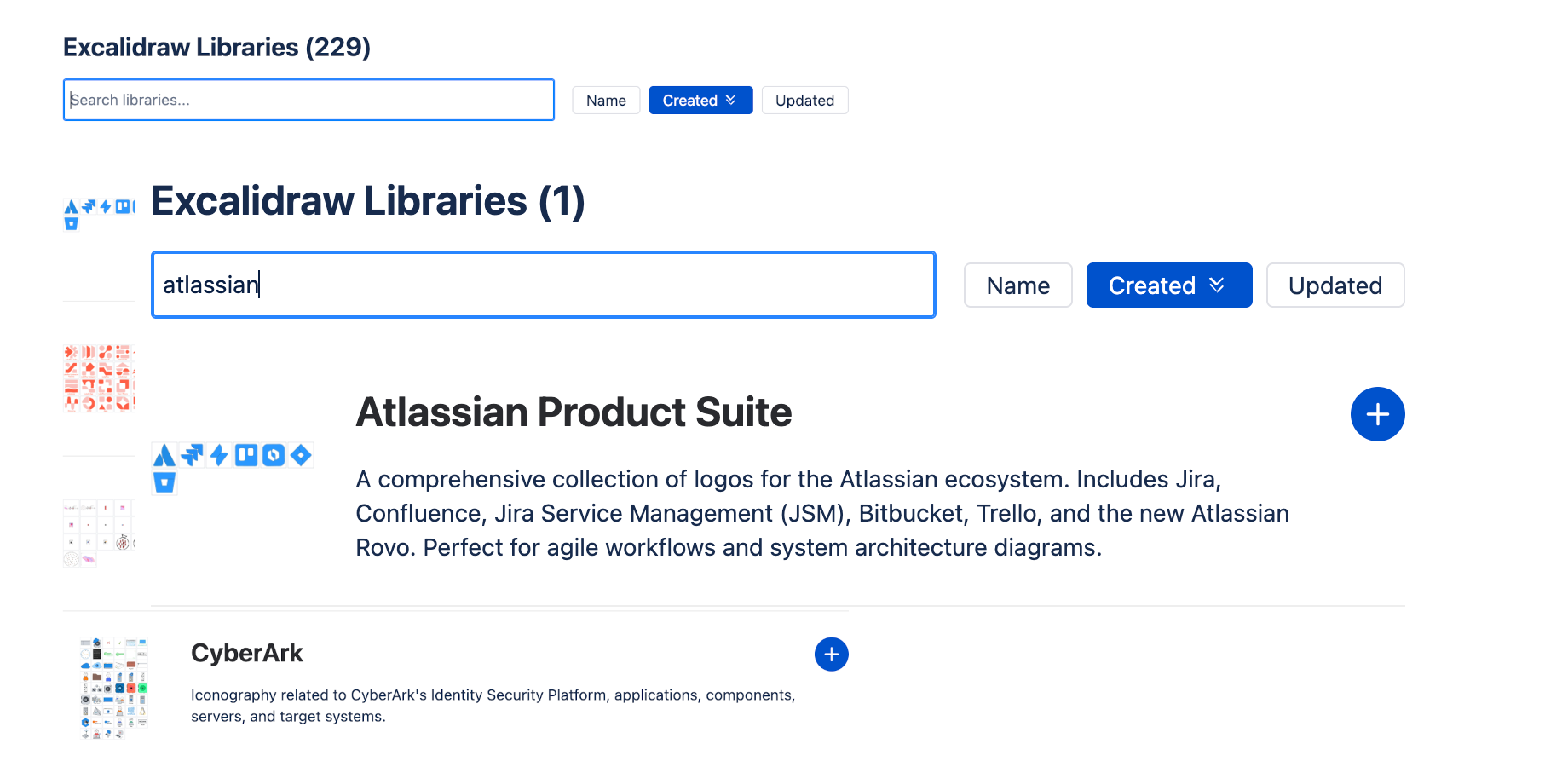
Drag cloud shape libraries. Open the library panel from the left sidebar and click Browse libraries. There are 229 bundled packs — AWS, Azure, GCP, UML, networking, and more. Add the ones relevant to your stack, then drag icons onto the canvas. This is how you turn a rough sketch into a recognizable architecture diagram ("that's an API Gateway, that's Lambda, that's RDS").
Import Mermaid. If part of the architecture is better expressed as text (a service-call sequence, a state machine), use the Mermaid tool from the toolbar. Type or paste the Mermaid definition and the diagram generates on the canvas. You can then reposition the generated elements alongside your freehand sketches.
4. Save the drawing to the issue
Click Save Drawing. The editor closes and the diagram preview appears in the issue panel. The diagram is saved as an attachment on the issue, so it's visible to everyone who can see the issue — no app installation required for viewers.
The preview shows up in Jira exports too, so the architecture travels with the epic when it's exported to PDF or a spreadsheet.
When the diagram belongs in Confluence instead
The same Excalidraw experience is available in Confluence via Excalidraw plus Whiteboards for Confluence. Use the Jira version when the diagram is specific to one ticket; use the Confluence version when the diagram is the team's durable reference architecture that many tickets will link to.
| Scenario | Where the diagram lives |
|---|---|
| Architecture for this specific epic | Jira (on the epic) |
| The team's standing system architecture | Confluence (architecture page) |
| Bug reproduction flowchart | Jira (on the bug) |
| Onboarding diagram every new engineer sees | Confluence (onboarding space) |
| Wireframe for one UI story | Jira (on the story) |
| Design system component map | Confluence (design space) |
The drawing format is compatible between the two apps, so you can start a sketch on a Jira story during refinement and later move the finalized version to a Confluence architecture page.
Running the actual session: a repeatable workflow
Here's the cadence that turns a one-off sketch into a maintained artifact:
- During the design review — sketch freehand on the epic's Excalidraw canvas. Don't worry about precision; the goal is to capture the discussion.
- End of the session — a volunteer swaps rough boxes for cloud shape-library icons where it matters (AWS/Azure/GCP services). This takes 5 minutes and makes the diagram readable later.
- Any sequence or state logic — convert those parts to Mermaid via the import tool, so they regenerate reliably and can be version-controlled.
- Save — the diagram now lives on the epic permanently. Link to it from related stories.
- Next sprint — when the architecture changes, open the epic, click Edit Diagram, and update. The history is preserved as issue attachments.
This workflow solves the "redraw the whiteboard every time" problem: the architecture diagram is versioned with the epic it describes, and any engineer can open the epic and see the current design without asking.
FAQ
Does Jira have a built-in whiteboard or diagram tool?
No. Jira does not include a native whiteboard or freehand drawing tool. You need a Marketplace app like Excalidraw Diagrams plus Whiteboards for Jira to add a drawing canvas to Jira issues.
Can I use Excalidraw in both Jira and Confluence?
Yes. NGPILOT ships two companion apps — Excalidraw Diagrams plus Whiteboards for Jira, and Excalidraw plus Whiteboards for Confluence. Both use the same drawing format, so diagrams can be moved between them. Use the Jira version for ticket-specific diagrams and the Confluence version for durable team reference pages.
How many shape libraries are included?
229 bundled shape libraries are included with the app — AWS, Azure, GCP, UML, networking, and many more. All libraries are bundled locally (no CDN calls), so they load instantly and work without an internet connection.
Can Excalidraw generate diagrams from Mermaid syntax?
Yes. The editor includes a Mermaid tool that lets you type or paste a Mermaid definition (flowchart, ER diagram, sequence diagram, etc.) and generate the visual diagram on the canvas. The generated elements can then be moved, resized, and styled like any other shape. This combines the precision of Mermaid with the editability of freehand drawing.
Is Excalidraw Diagrams plus Whiteboards for Jira free?
The app is free for up to 10 users. Beyond 10 users, standard Atlassian Marketplace licensing applies.
Related guides
Try Excalidraw Plus Whiteboards & AI Agent for Confluence
Freeform whiteboards with 220+ shape libraries, plus a Rovo AI agent that draws and edits them from chat — free for up to 10 users.
Get it on the Atlassian Marketplace