Usage
How to insert macro
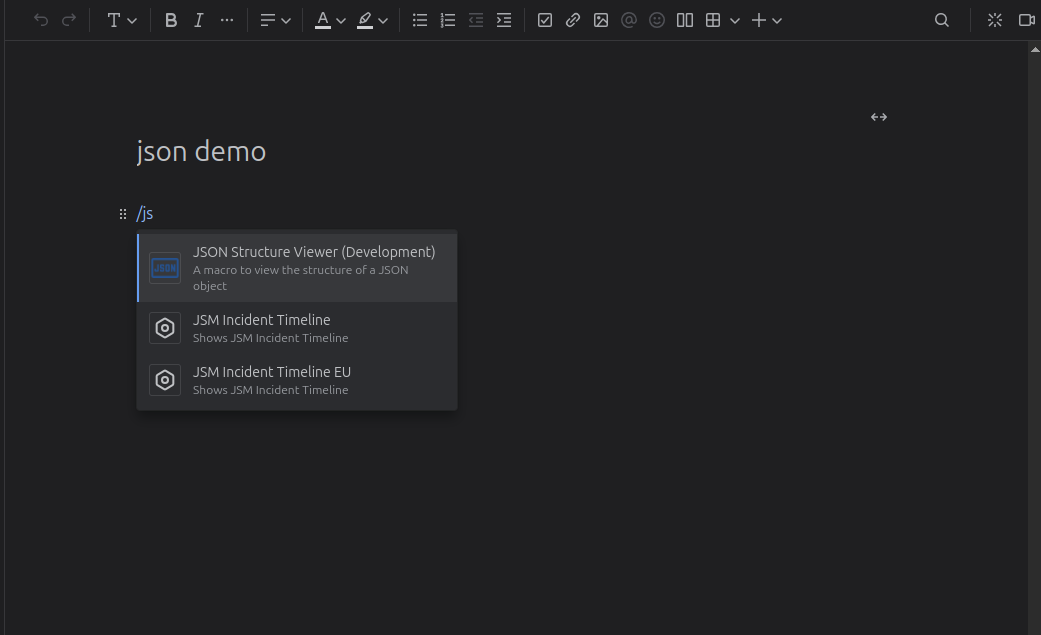
Type /json and select "JSON Structure Viewer"
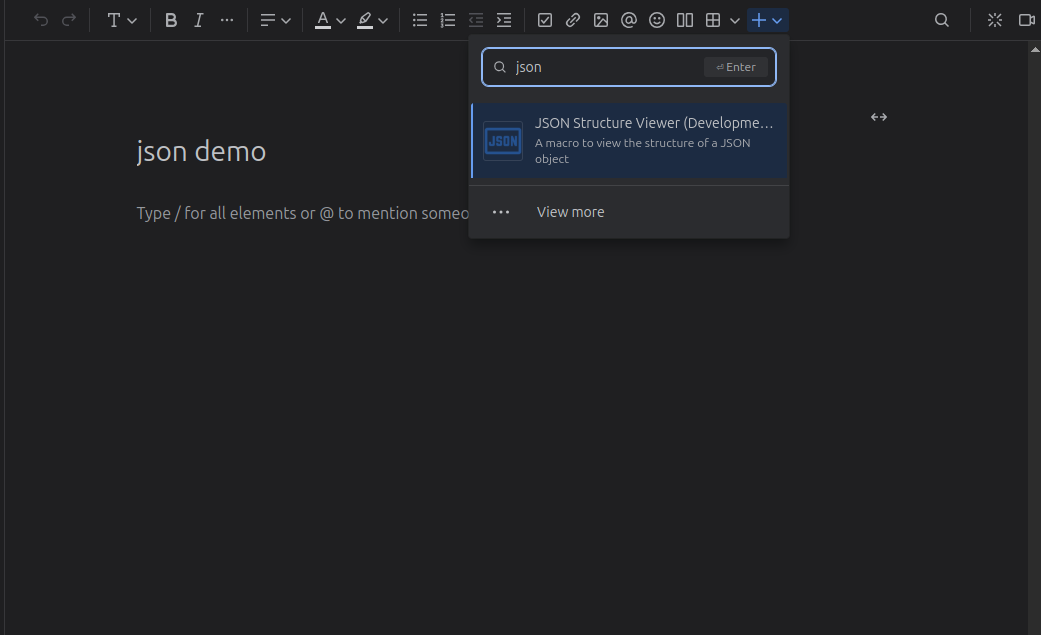
Or click the "+" button and select "JSON Structure Viewer", the editor will open.
Editor
An empty editor:
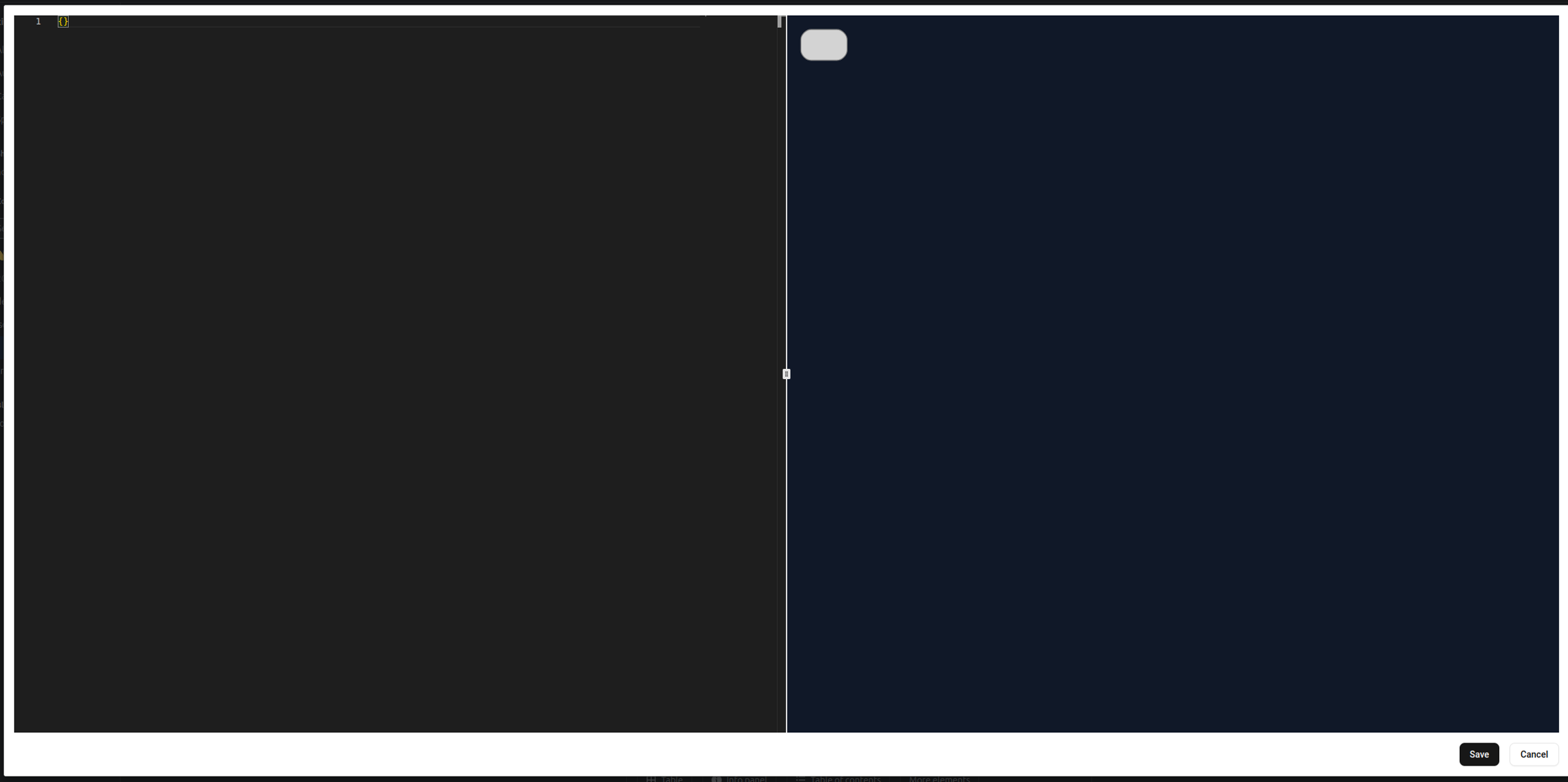
Input or paste your json code in the left editor panel, then the preview will show in right panel
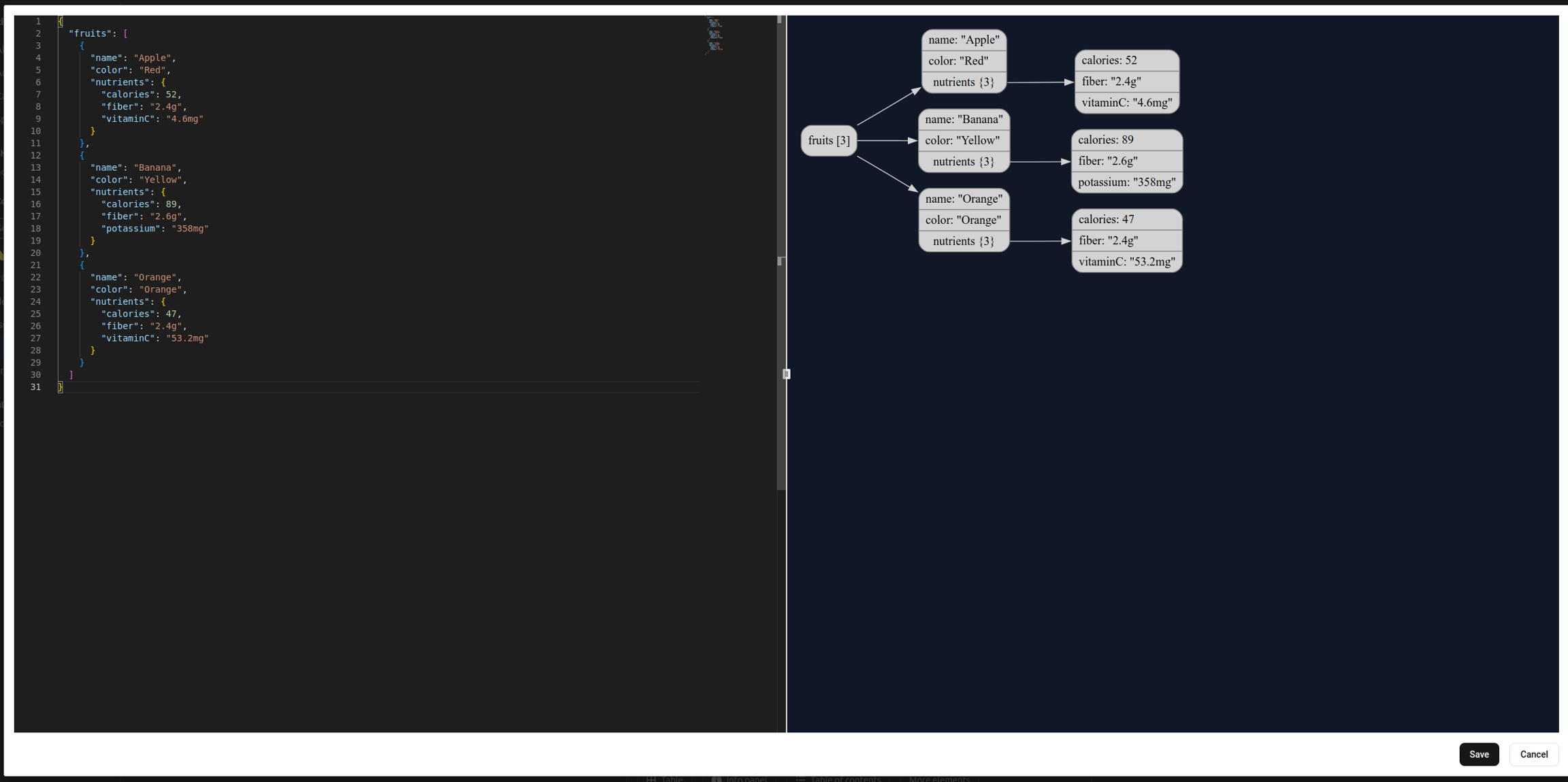
Click the "Save" button on bottom right to save the macro.
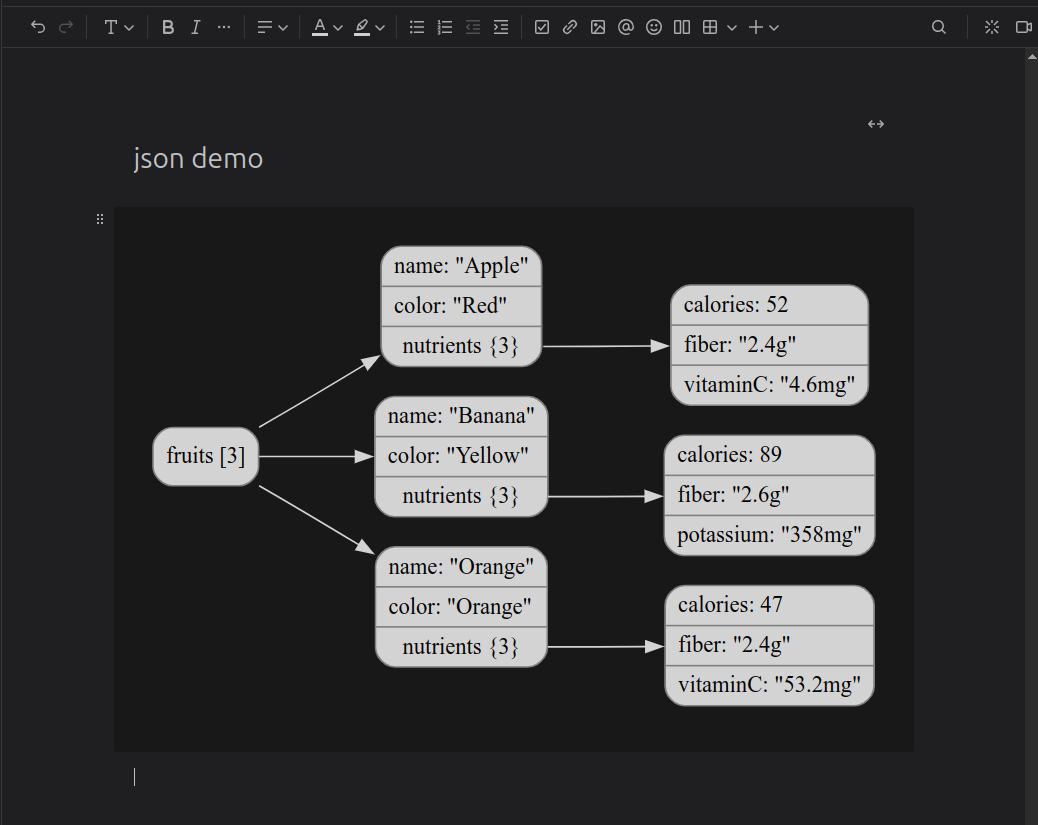
Preview mode
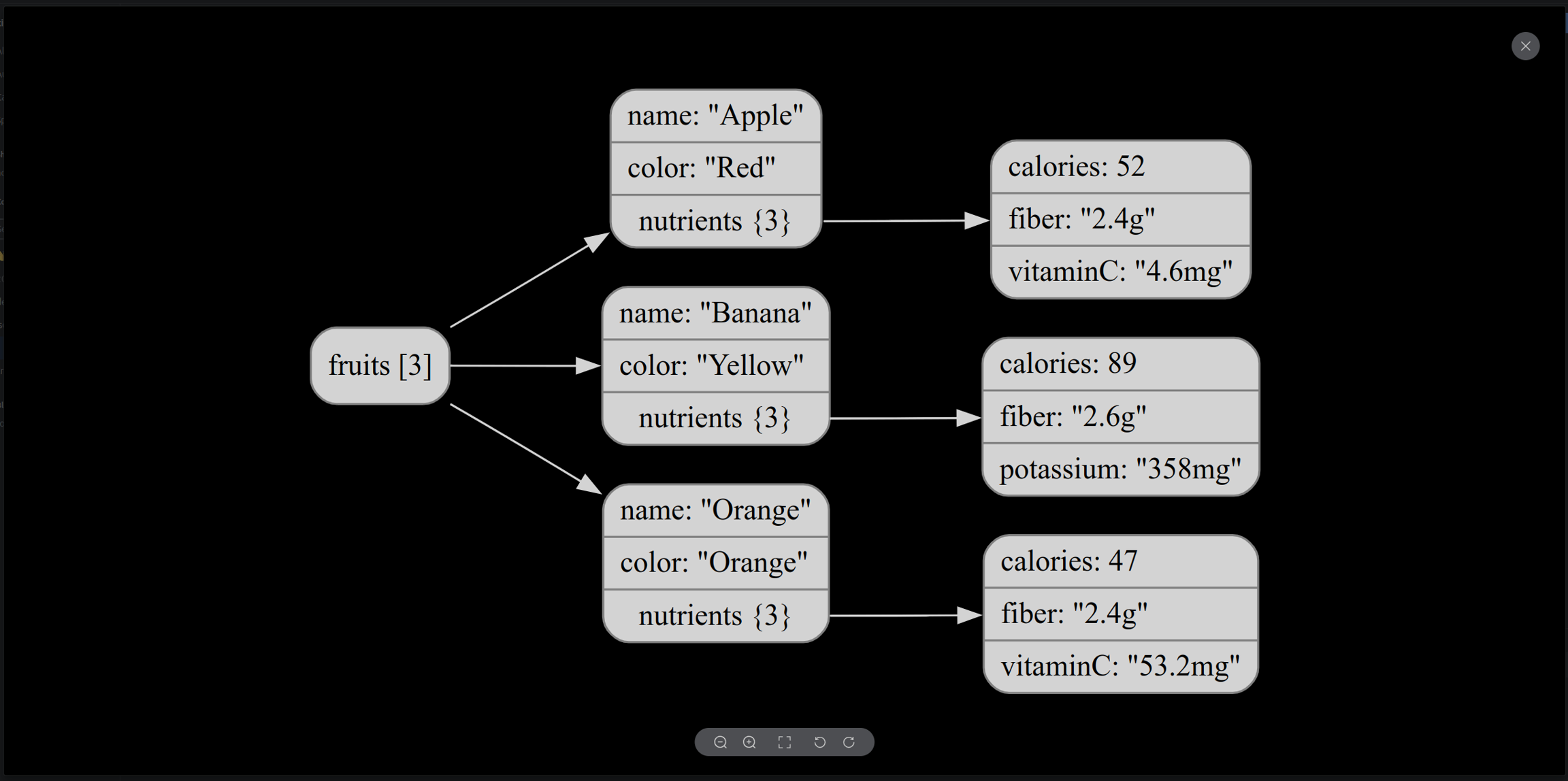
After you save the macro, you can click the image to open preview mode, then use the bottom tool bar to zoom in/out or rotate
Related Blog Posts
- How to embed and visualize JSON in Confluence
- Best Confluence apps for developers
- Advanced code blocks in Confluence
Was this helpful?