Usage
Add carousel macro
-
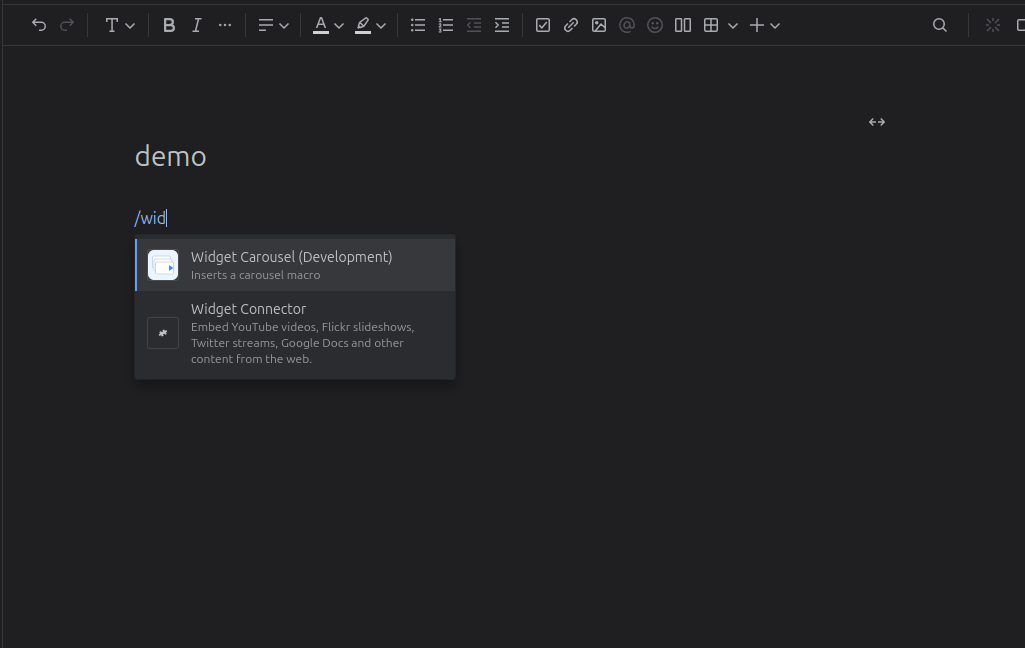
Type "/widget" and select the Widget Carousel to insert
-
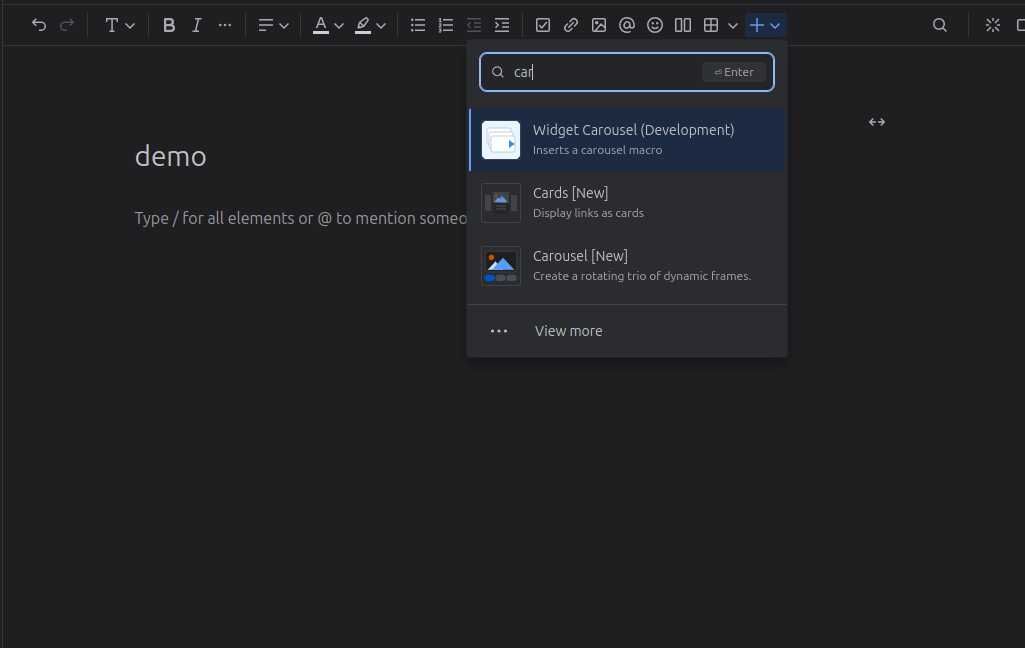
Or click the "+" button and select "Widget Carousel"
Config macro
-
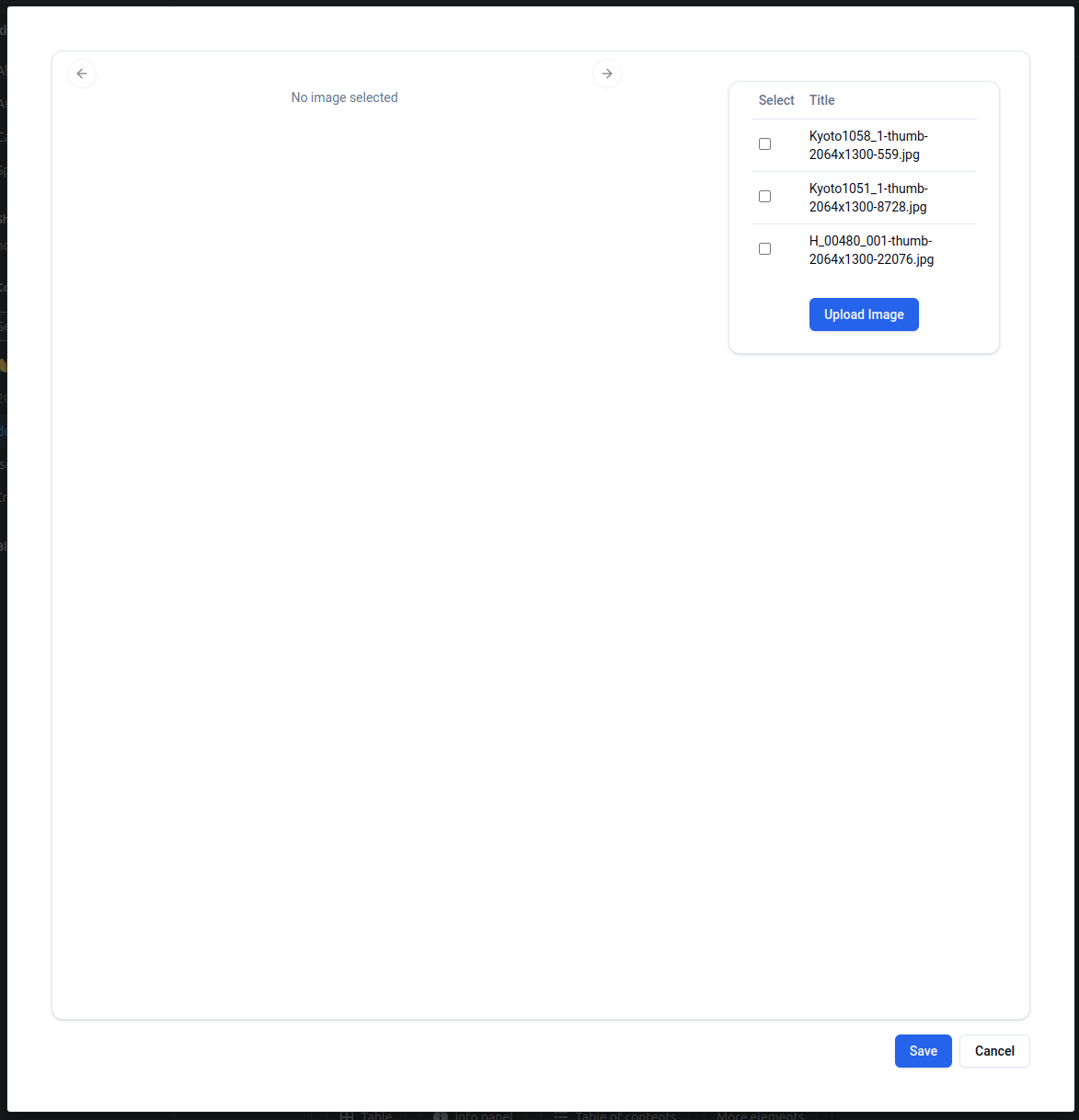
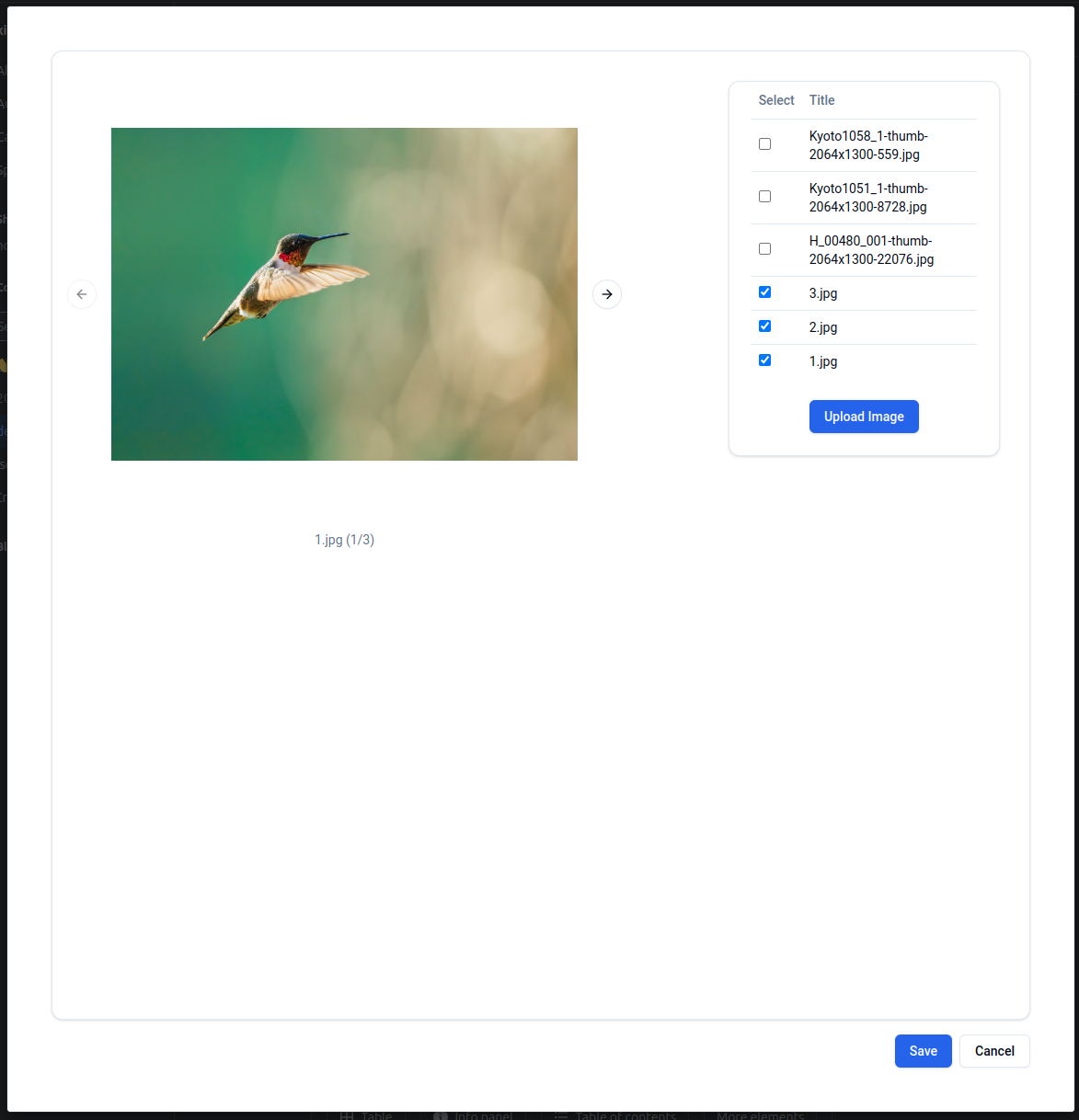
Select images from page attachments or upload a new one
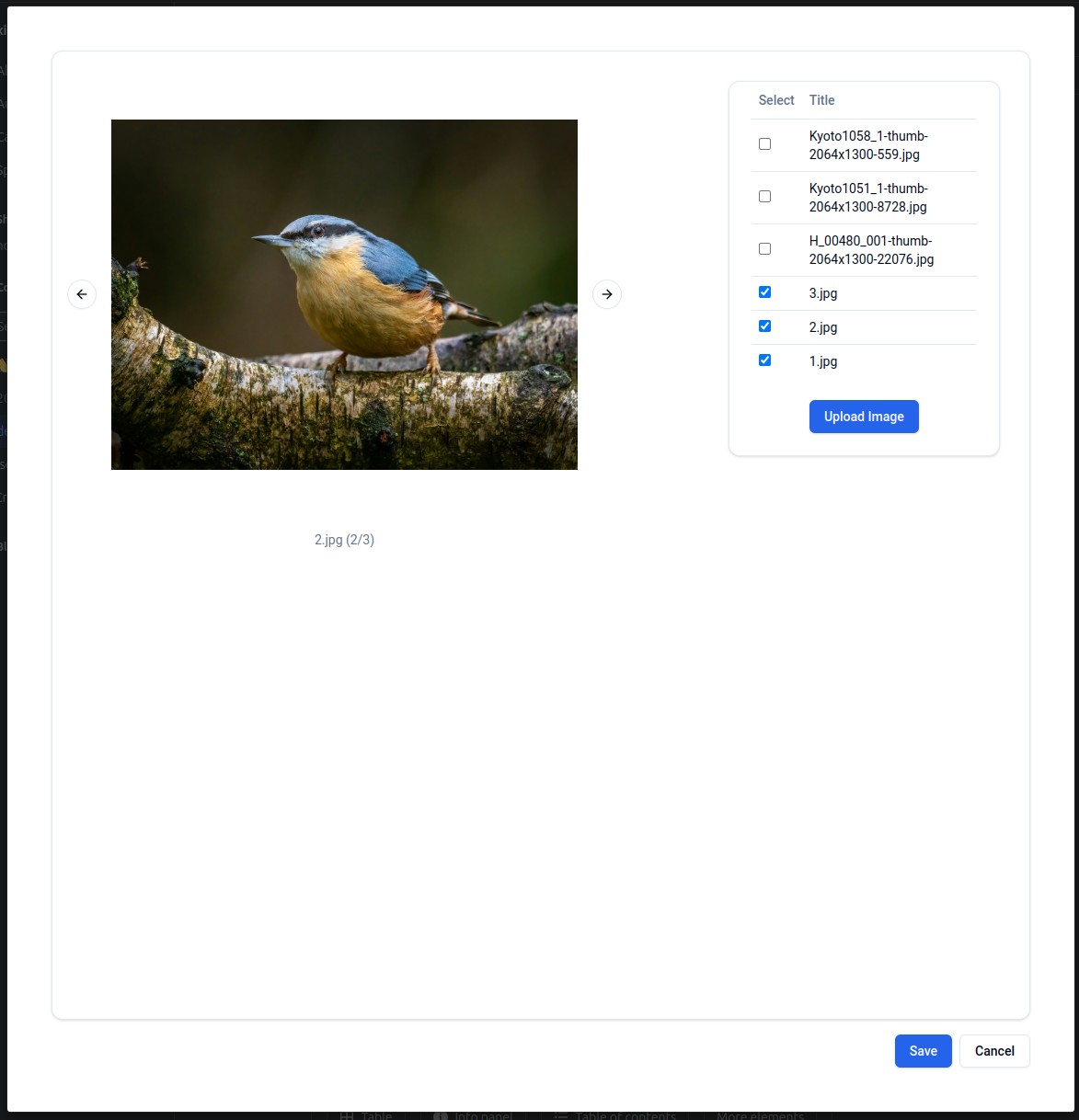
-
Click "Save" button to save the macro.
-
Use macro edit buttons to choose macro width: default, wide, full width
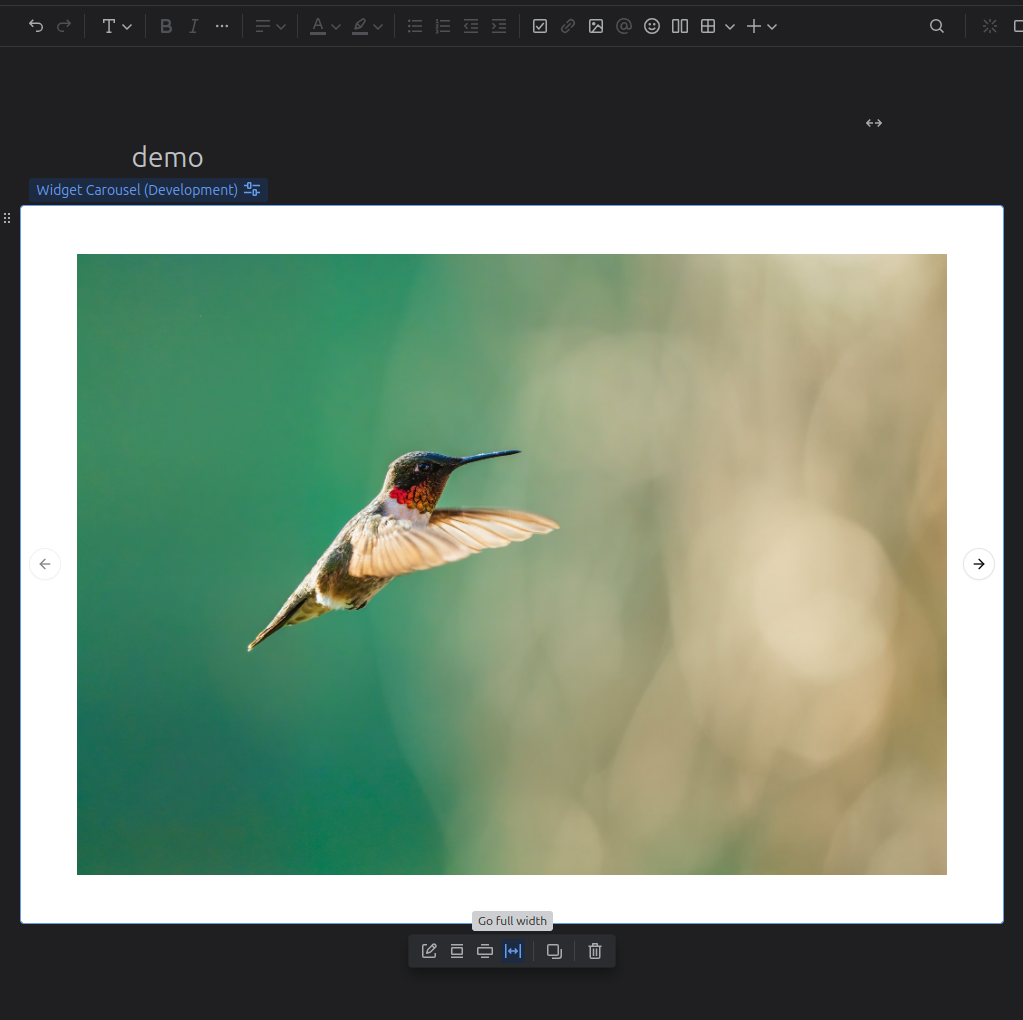
-
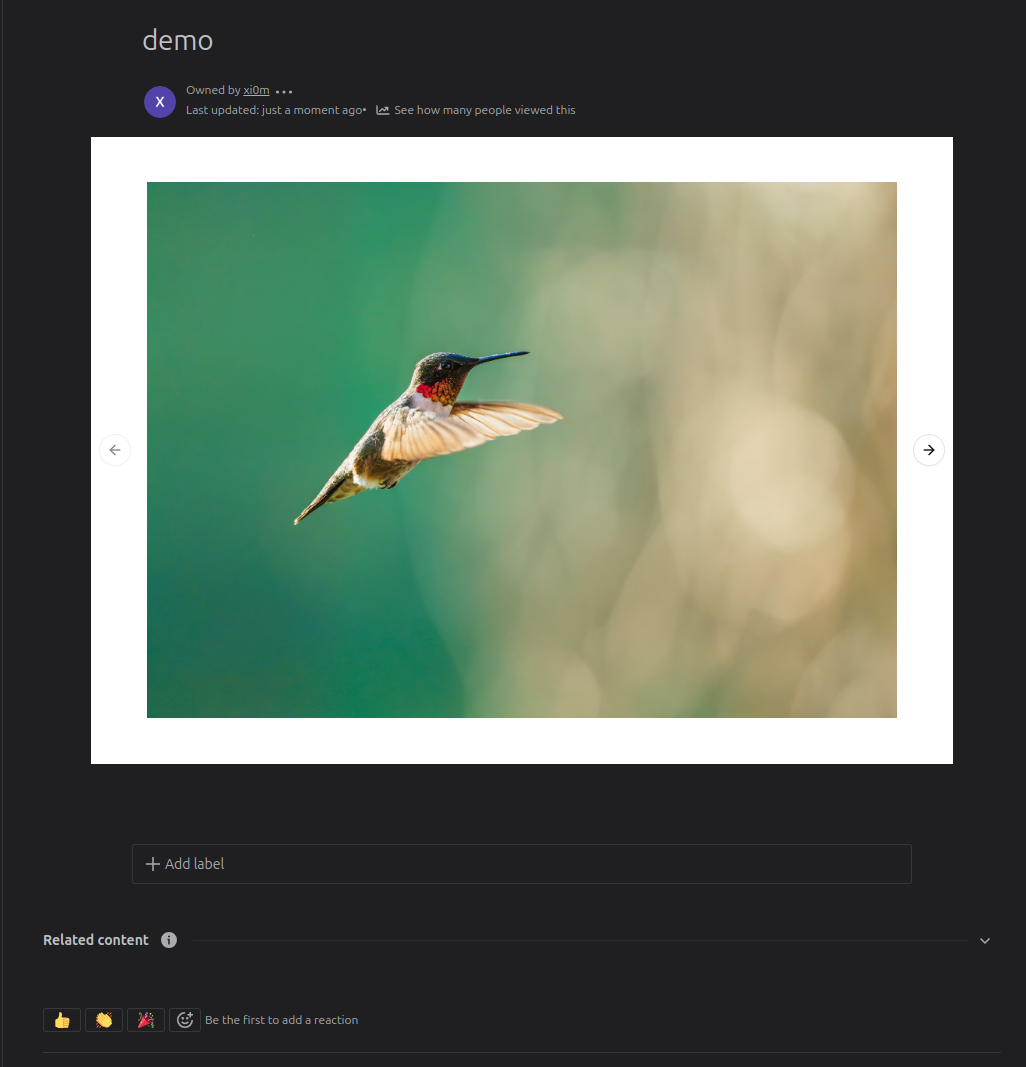
Done, save the page.
Related Blog Posts
Was this helpful?