Usage
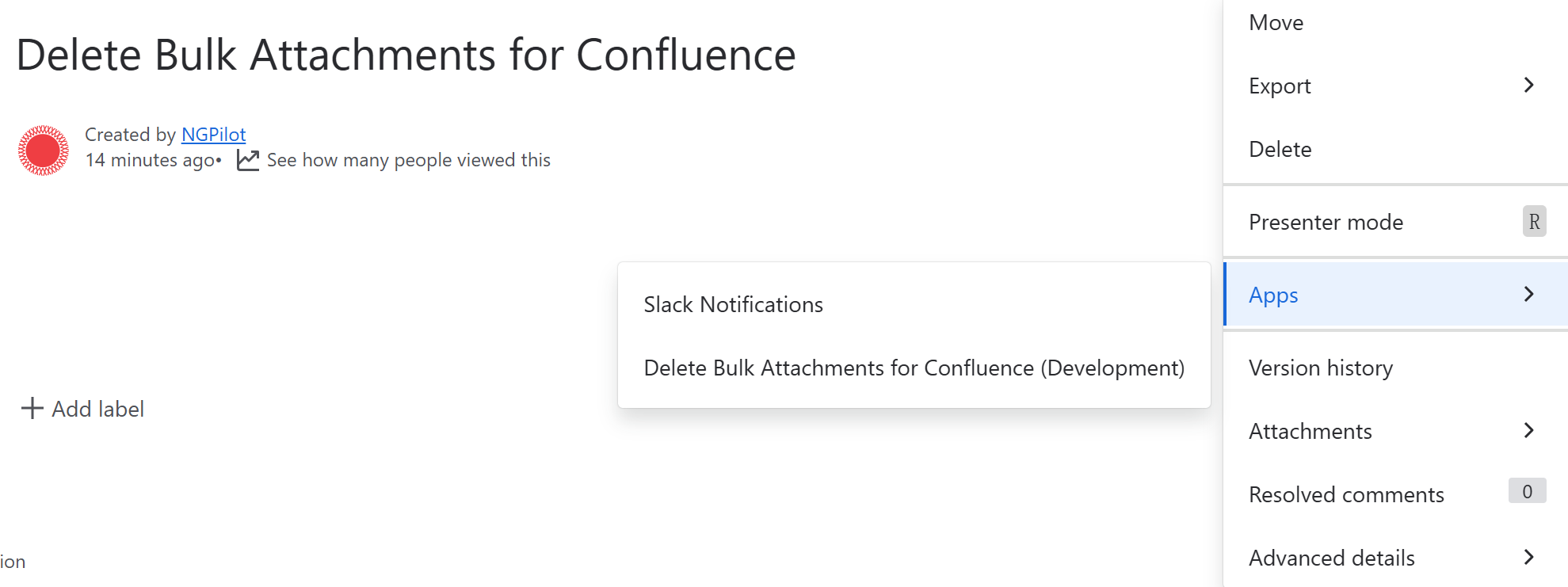
It's a Confluence content action app, so you can use it after installation:
- from the Confluence blogpost more actions
···, click Apps then clickDelete Bulk Attachments for Confluence - from the Confluence content more actions
···, click Apps then clickDelete Bulk Attachments for Confluence
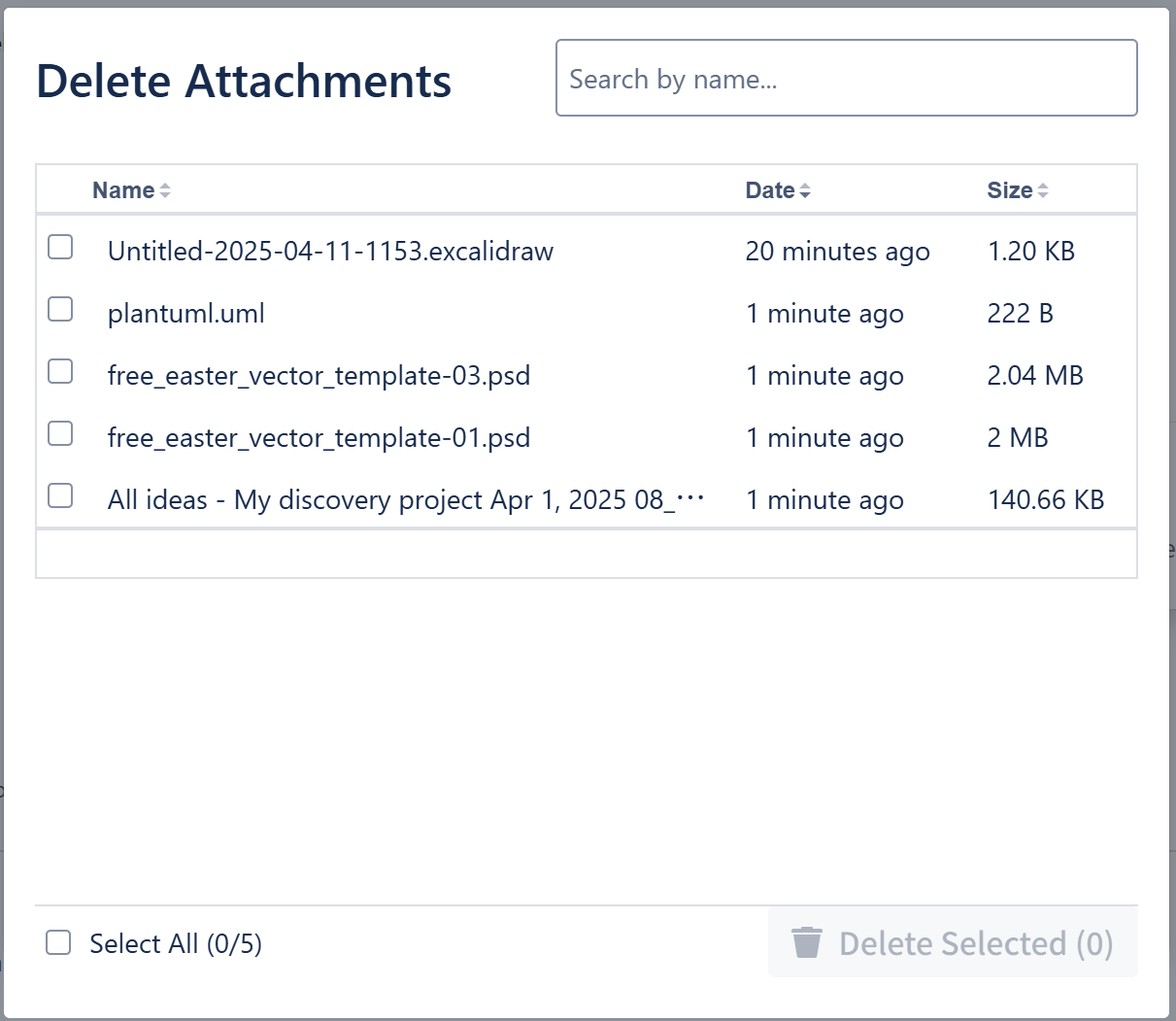
Delete Bulk Attachments for Confluence enables you to delete more than one attachment at a time.
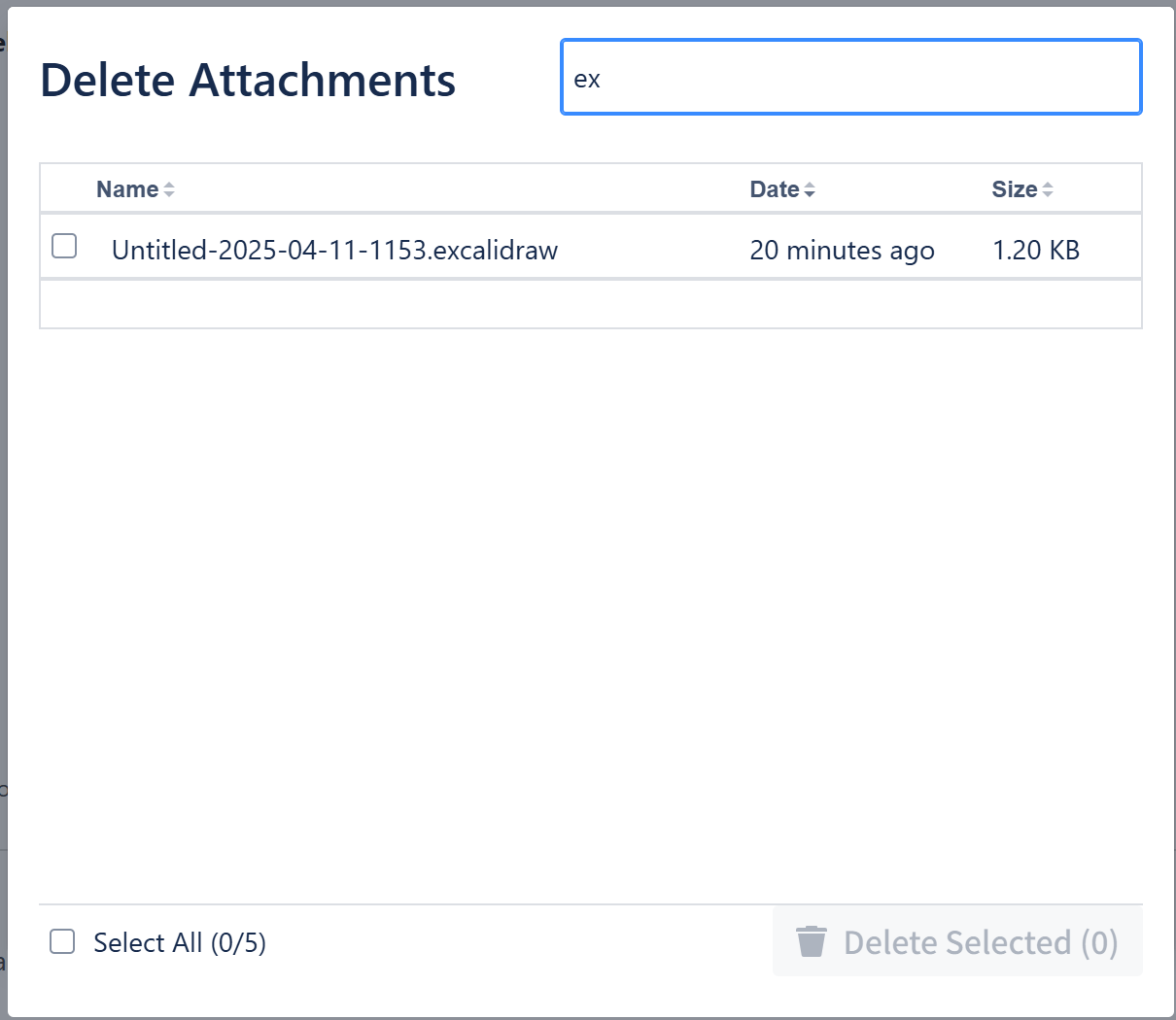
 There's also a search input to filter the attachments name, so you can quickly find the attachments that only you want to delete.
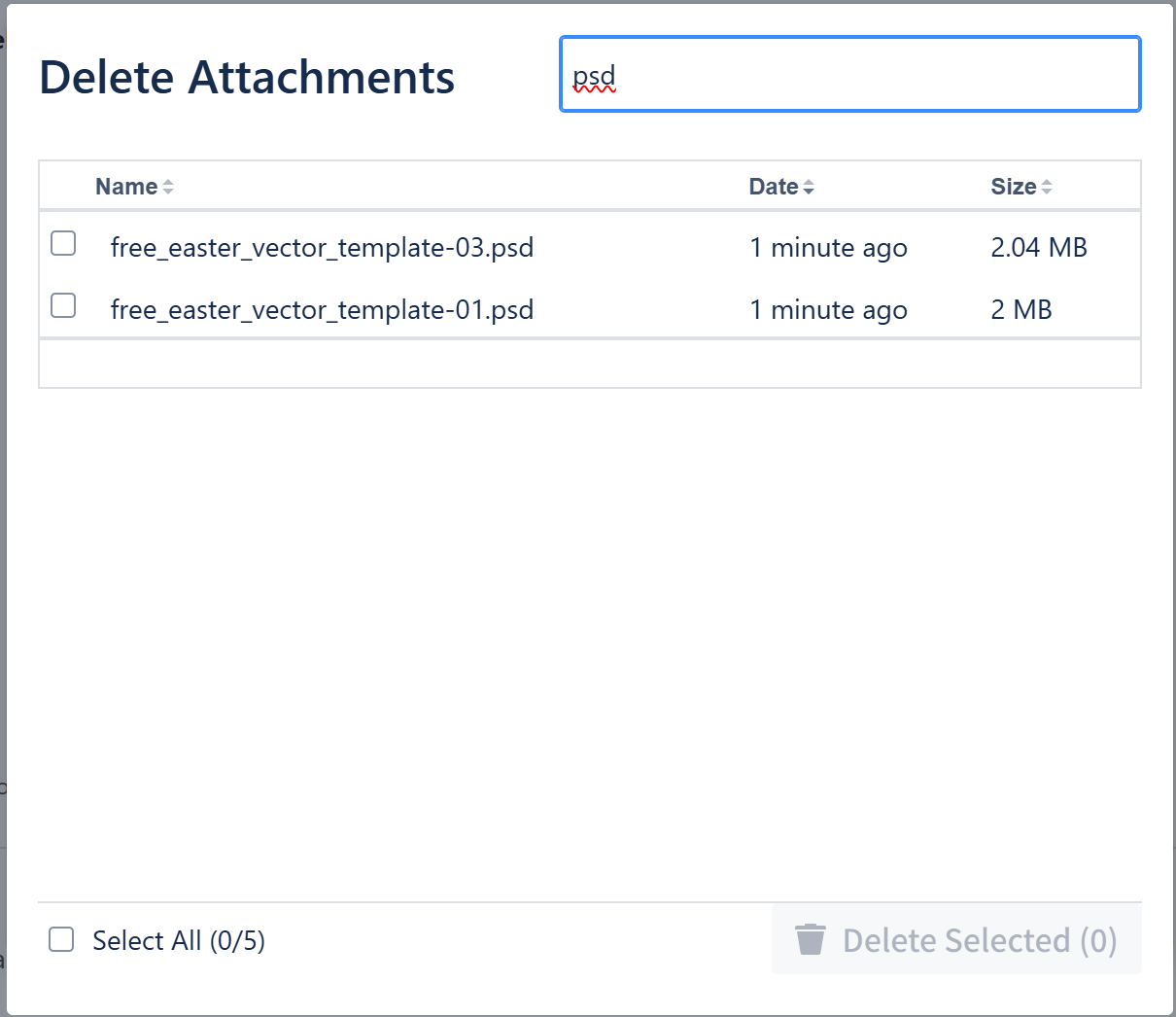
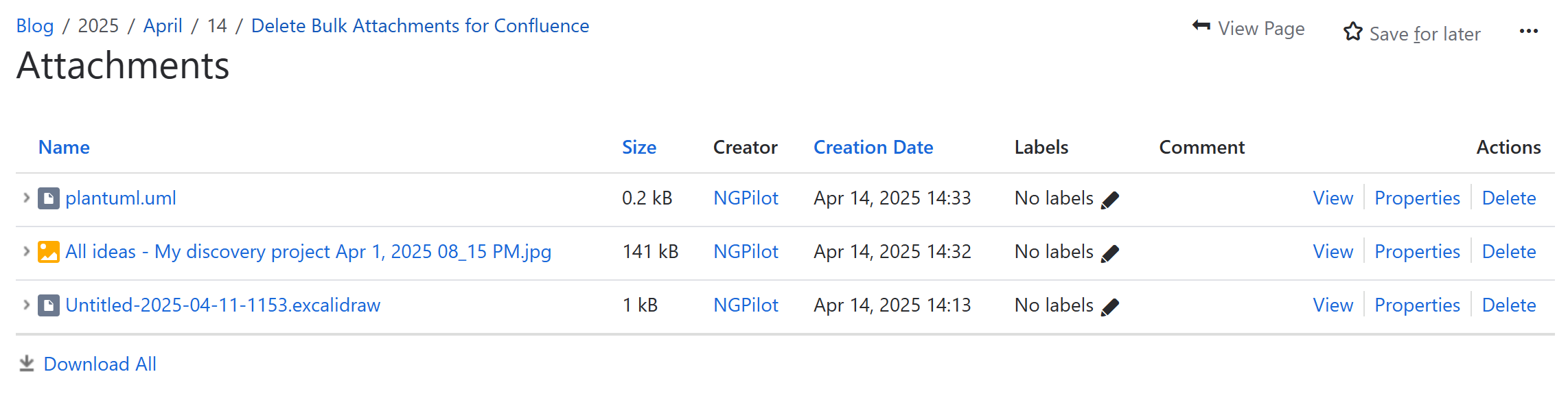
You can delete selected by clicking the right bottom button, this is the result after delete operation
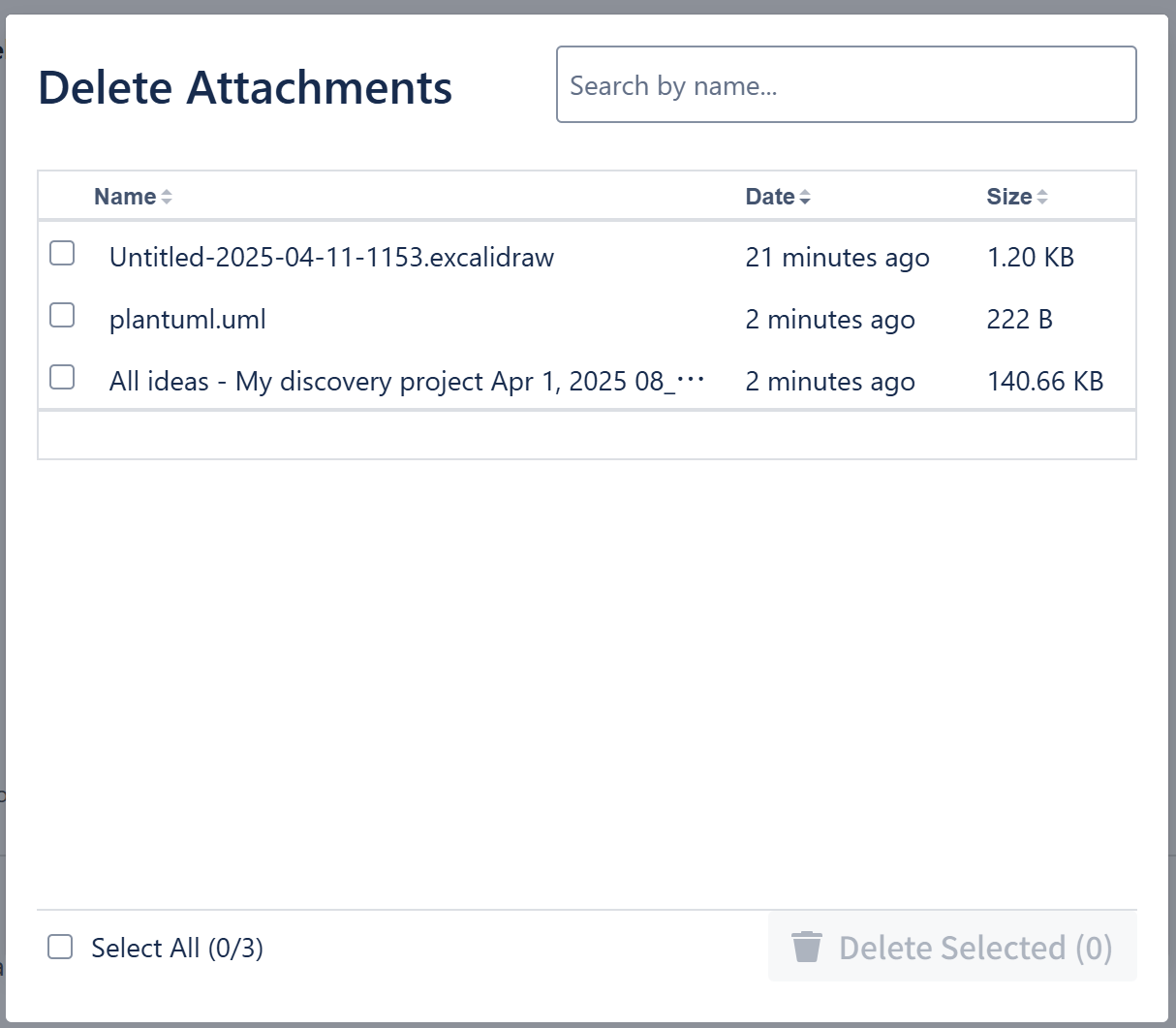
ATTENTION: You can click left bottom button
Select Allwhen you click it, means you want to delete all attachments of this page.
It's an official BUG: after you delete attachments the more action menu's attachment files number is not updated unless you refresh your page.
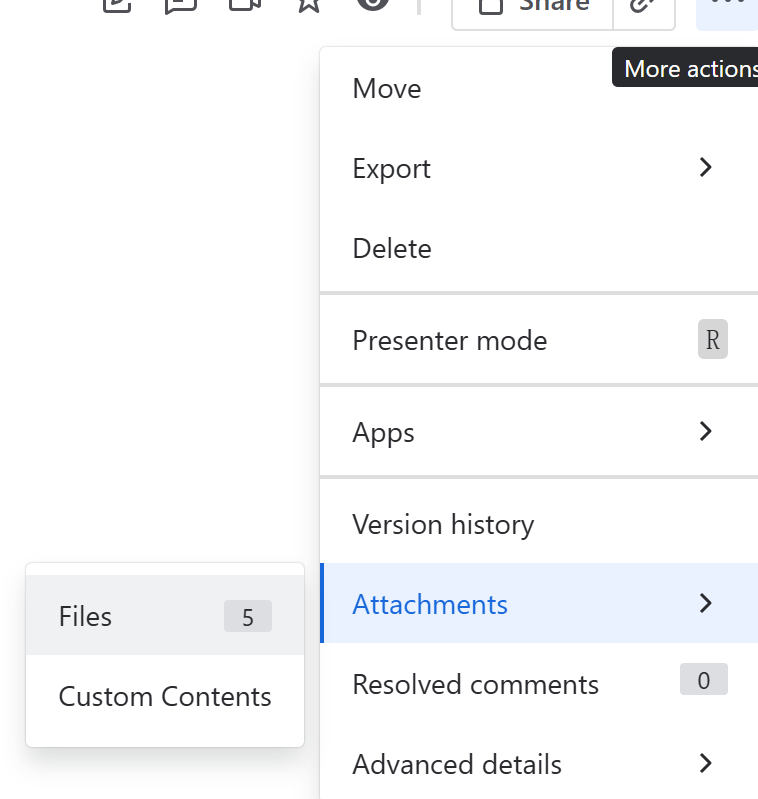
But when you click the menu item, you can see it's already deleted in the attachment view page: